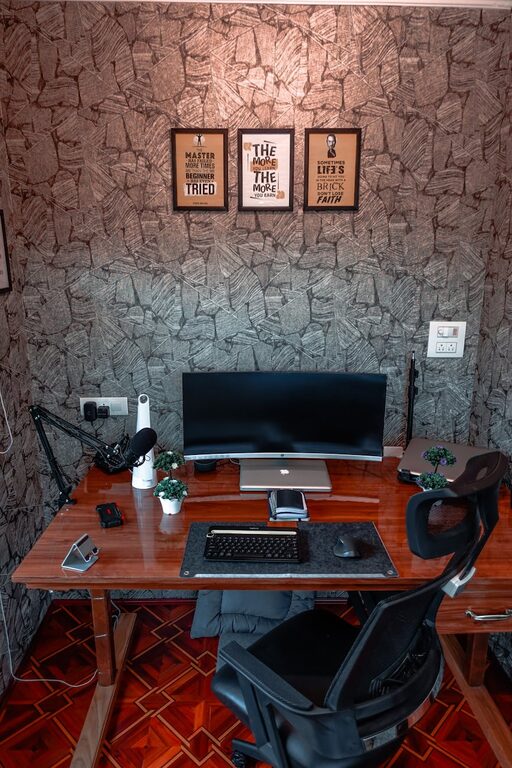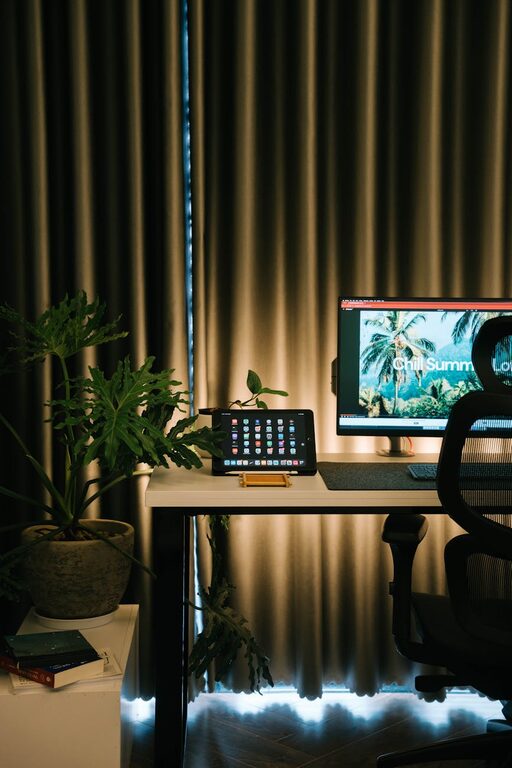
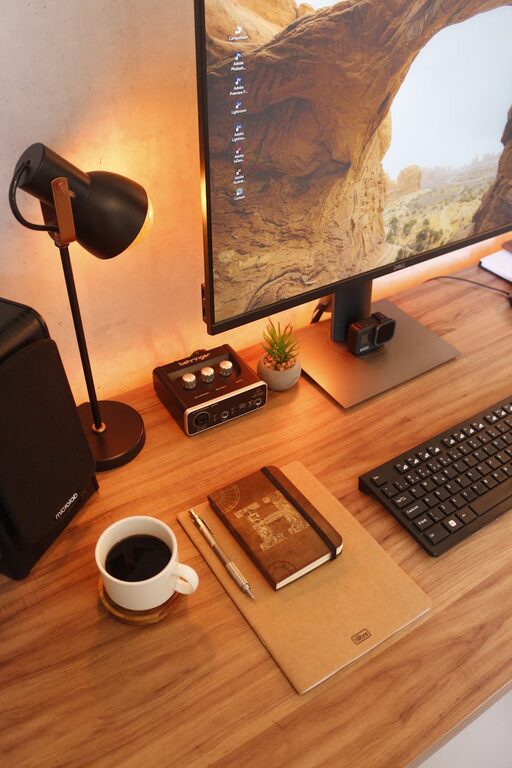
Creating a home workspace that balances comfort and productivity is essential for anyone working remotely or managing tasks from home. A well-designed area can boost your focus, reduce stress, and even increase creativity. Whether you have a dedicated room or just a small corner, these tips will help you set up a cozy and efficient workspace tailored to your needs.
Choose the Right Location
Start by selecting a spot in your home that suits your work style. Ideally, this should be a quiet area with minimal distractions, plenty of natural light, and enough space for all your essentials.
– Natural light: Position your desk near a window to benefit from daylight. Natural light can improve mood and energy levels.
– Away from noise: If possible, pick a room or corner away from busy areas like the kitchen or living room.
– Space availability: Ensure there’s room for your desk, chair, and any storage you might need.
Invest in Comfortable Furniture
Comfort is key to staying productive for long periods. Make sure your chair and desk support good posture to avoid aches and fatigue.
– Ergonomic chair: Choose a chair with proper back support, adjustable height, and comfortable cushioning.
– Desk height: Your desk should allow your arms to rest comfortably at a 90-degree angle when typing.
– Footrest: If your feet don’t rest flat on the floor, consider a footrest to reduce strain.
Organize Your Workspace
A cluttered space can distract you and hurt your efficiency. Keep your area organized with practical storage solutions.
– Desk organizers: Use trays, pen holders, and file organizers to keep frequently used items accessible.
– Shelving units: Install shelves or use cabinets to store books, supplies, and paperwork.
– Cable management: Tidy up cords with clips or cable sleeves to avoid tangling and keep the area neat.
Personalize Your Space
Adding personal touches can make your workspace inviting and boost your motivation.
– Plants: Small indoor plants improve air quality and add a touch of nature.
– Artwork or photos: Display images that inspire or comfort you.
– Colors: Choose calming colors for walls or accessories to create a relaxing environment.
Control Lighting and Screen Glare
Proper lighting reduces eye strain and helps maintain focus.
– Task lighting: Use a desk lamp with adjustable brightness for focused work.
– Avoid glare: Position your monitor so it doesn’t reflect sunlight or overhead light.
– Blue light filter: Consider software or screen protectors that reduce blue light to ease eye fatigue.
Minimize Distractions
To maintain productivity, limit interruptions and create routines.
– Use noise-canceling headphones: These can help drown out household noise.
– Set boundaries: Inform family members or roommates of your work hours.
– Schedule breaks: Taking short breaks helps maintain focus and avoid burnout.
Incorporate Tools and Technology
Equip your workspace with tools that enhance your workflow.
– Reliable internet: Ensure you have a stable connection to avoid disruptions.
– Quality equipment: Invest in a good keyboard, mouse, and headset.
– Productivity apps: Use apps for task management, time tracking, or note-taking to stay organized.
Maintain Good Air Quality and Temperature
Comfort isn’t just about furniture—it also includes the environment.
– Ventilation: Keep the space well-ventilated by opening windows or using an air purifier.
– Temperature control: Use fans, heaters, or air conditioning to maintain a comfortable temperature.
Keep It Clean and Refresh Regularly
A clean environment supports clear thinking and productivity.
– Daily tidying: Spend a few minutes at the end of each day to clear your workspace.
– Weekly deep clean: Dust surfaces and vacuum to keep allergens at bay.
– Update setup: Reassess your workspace periodically to make improvements as your needs change.
—
By following these tips, you can create a home workspace that not only feels cozy but also supports your focus and productivity. Remember, the best workspace is one that fits your unique preferences and work habits, so don’t hesitate to adjust and personalize your setup as you go.
About the Author